
Offline AI Image Generation: What Works Without Internet?
Learn what offline AI image generation means, what setup needs internet, and how to plan a reliable local workflow.
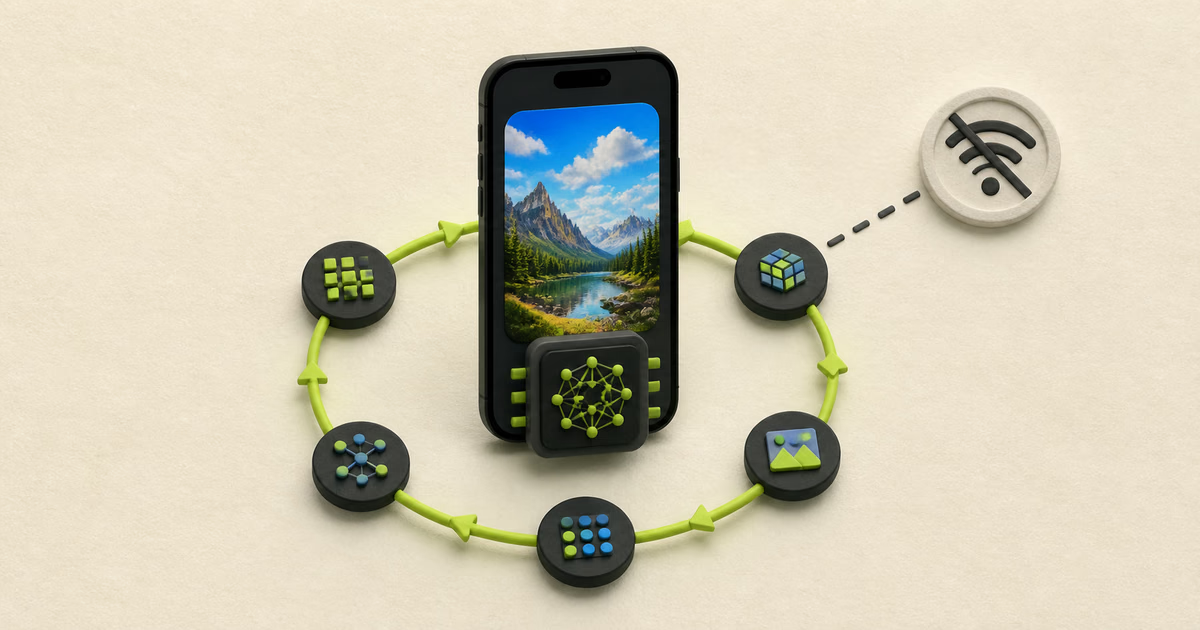
Offline image generation runs the model and prompt on your device. You usually need internet for installation and model downloads.
What does offline AI image generation mean?
A truly offline generation step does not send the prompt or image to a remote inference server.
The model, runtime, and required files must exist on the device. The device completes every inference step locally.
Offline does not mean zero network use forever. Installation, model downloads, updates, and optional sharing can need internet.
What should work in airplane mode?
Test prompt entry, generation, saving, and gallery access after all required files are present.
- Open the app after you disable Wi-Fi and mobile data.
- Create a new image with a downloaded model.
- Open the result and inspect its saved location.
- Restart the app and repeat the same test.
- Keep sharing disabled during the test.
When is offline generation useful?
Offline generation helps with private drafts, travel, weak connections, predictable access, and local experimentation.
Local processing reduces the need to disclose prompts to a generation provider. It also avoids a remote queue.
Your device still creates limits. Storage, memory, heat, battery, and runtime support can affect the experience.
How do you prepare an offline workflow?
- 01
Download
Install the app and download every required model while you have a stable connection.
- 02
Verify
Confirm the app completes its model check without errors.
- 03
Test
Create representative images in airplane mode before travel or field work.
- 04
Protect
Keep enough storage free and back up exports that matter.
How does Offlair handle offline generation?
Offlair downloads model files with internet access. It then runs image generation locally on a compatible device.
Offlair requires a verified account before local use. It does not meter local generation with generation credits.
Performance depends on the device and selected model. This guide does not promise identical results across devices.
Frequently asked questions
Can AI image generation work without Wi-Fi?
Yes. A local runtime can generate without Wi-Fi after required files are downloaded.
Do offline generators need a GPU?
They need supported compute. The exact requirement depends on the model, runtime, and device.
Does offline mean private?
It improves prompt privacy during generation. Check analytics, backups, sharing, and operating system services separately.
Does Offlair need internet?
Internet is required for model downloads. Local generation works offline after setup.
Sources and review notes
Product features, prices, and licenses can change. Review the linked source before a purchase or commercial use.
- Offlair product pages
Offlair documents local generation, model downloads, and its mobile workflow.
- Offlair privacy policy
Offlair documents local storage, network use, and device permissions.
- ComfyUI documentation
ComfyUI documents its node-based local generative AI interface.
- Invoke official project page
Invoke describes its local and self-hosted open-source creative engine.