
AI Image Prompting Guide: A Repeatable Prompt Structure
Build clearer AI image prompts with subject, action, environment, composition, light, style, and constraints.
Start with the subject and action. Add environment, composition, light, visual treatment, and only necessary constraints.
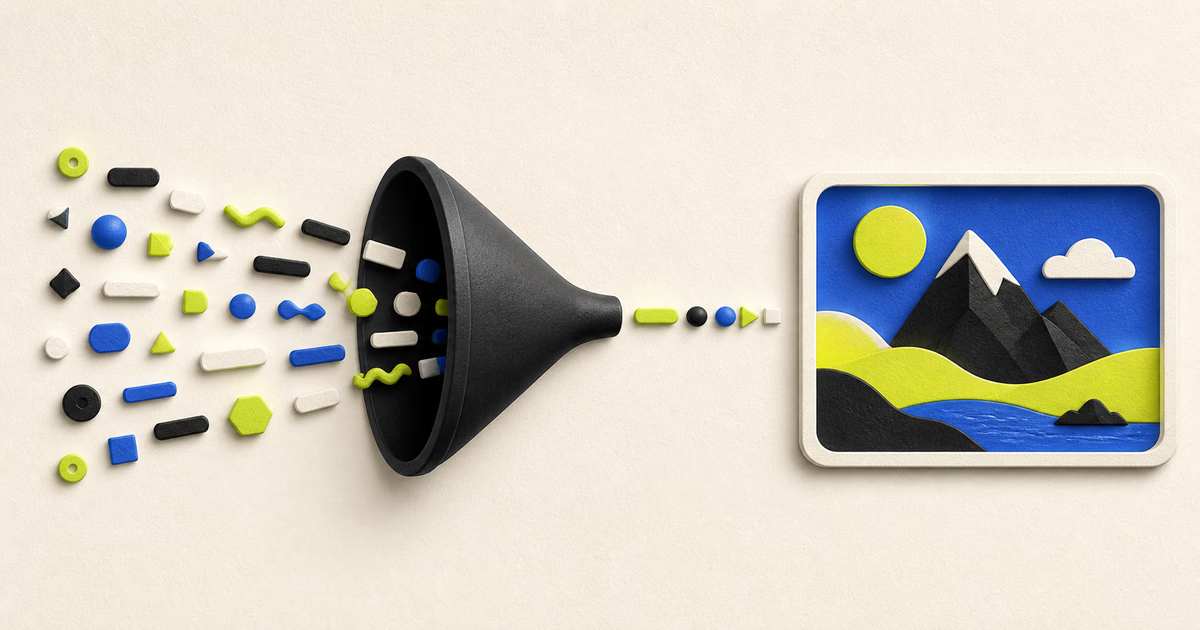
What is a useful prompt structure?
Use: subject, action, setting, composition, lighting, medium, color, mood, and constraints.
This order puts the main request first. It also makes later edits easier because each phrase has a clear purpose.
You do not need every field. Add details only when they change the result in a useful way.
How do you improve a vague prompt?
Replace broad quality words with visible details and clear relationships.
- Vague: A beautiful futuristic market at night.
- Clear: Street-level view of a covered night market beside a canal.
- Add action: Vendors serve food while cyclists pass through light rain.
- Add treatment: Documentary photo, cool ambient light, warm stall lights, natural contrast.
Which composition terms help?
Use camera position, subject scale, framing, depth, and aspect ratio when composition matters.
- Close-up, waist-up portrait, full body, wide view, or overhead view.
- Centered subject, asymmetrical balance, open space, or layered foreground.
- Eye level, low angle, high angle, or top-down view.
- Shallow depth, deep focus, or atmospheric distance.
When should you use a negative prompt?
Use a short negative prompt for recurring unwanted elements that the selected model supports.
Do not copy a long universal negative prompt without testing it. Conflicting constraints can weaken the main request.
Remove one unwanted class at a time. Compare results with the same seed when the tool supports seeds.
How should you iterate?
- 01
Lock the idea
Keep the subject, action, and setting stable.
- 02
Change one variable
Adjust only composition, light, medium, or color.
- 03
Compare
Save the prompt and settings with each useful result.
- 04
Simplify
Remove phrases that do not produce a visible improvement.
Frequently asked questions
Are longer prompts better?
Not always. A shorter prompt with clear visual facts can be more reliable.
Should I use artist names?
Prefer visual characteristics, medium, period, palette, and composition. These terms give clearer control.
Why does the model ignore part of my prompt?
The prompt can contain conflicts, too many details, weak relationships, or unsupported concepts.
Can I reuse a prompt across models?
Yes, but results differ. Adapt prompt length, syntax, negative terms, and settings for each model.
Sources and review notes
Product features, prices, and licenses can change. Review the linked source before a purchase or commercial use.
- Midjourney prompt basics
Midjourney documents prompt structure and parameter behavior for its service.
- Hugging Face Diffusers guidance
Diffusers documents prompts and generation settings for supported pipelines.