
Mobile AI Image Generator Hardware Guide
Understand memory, storage, heat, battery, model size, and settings for local AI image generation on a phone.
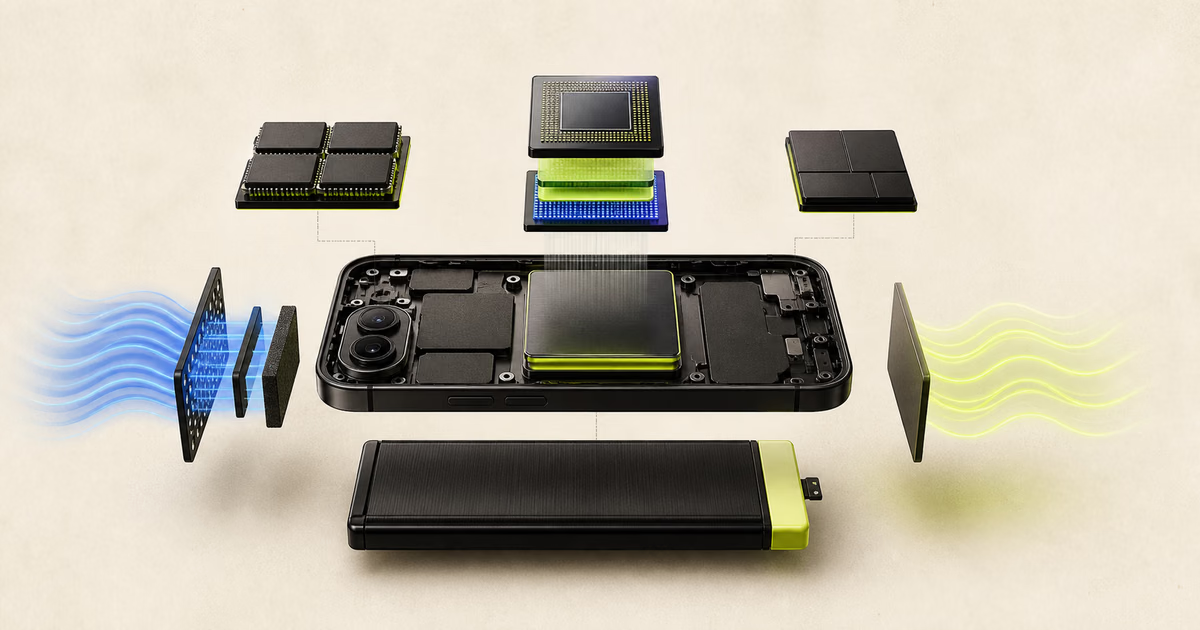
Local generation needs a compatible runtime and enough device resources. Memory, storage, heat, and model choice matter together.
Is there one minimum device specification?
No reliable universal specification covers every model, runtime, image size, and device design.
Two devices with similar memory can perform differently. Chip support, memory bandwidth, cooling, and software drivers can change results.
Use the app compatibility information as the first filter. Then test the exact model and settings you need.
Why does memory matter?
Generation needs memory for model weights, intermediate values, the runtime, and the operating system.
Higher image dimensions and some model architectures increase memory use. Other open applications can reduce available memory.
A smaller or optimized model can be more practical than a larger model on mobile hardware.
How much storage should you keep free?
Keep space for model files, temporary data, generated images, app updates, and operating system needs.
The exact amount depends on selected models and output volume. Do not plan from the download size alone.
Remove unused model packs through supported app controls. Back up required exports before any cleanup.
How do heat and battery affect generation?
Long compute tasks can heat a phone. The system can reduce performance when the device becomes hot.
- Remove insulating covers during long tests when the device maker permits it.
- Avoid direct sunlight and hot charging conditions.
- Use smaller images or shorter batches when heat rises.
- Stop if the device shows a temperature warning.
How should you test a device?
- 01
Choose one model
Start with the smallest suitable model that the app supports.
- 02
Use a normal prompt
Select a prompt that represents your real work.
- 03
Repeat safely
Run several generations and note time, heat, battery, and errors.
- 04
Increase carefully
Change only one setting at a time, such as image size or batch count.
Frequently asked questions
Does local image generation damage a phone?
Normal supported use should follow device controls. Stop when warnings or repeated failures occur.
Is more RAM always faster?
No. RAM can prevent failures, but compute, bandwidth, cooling, and software also affect speed.
Can every phone run Offlair?
This guide makes no universal compatibility claim. Check current app requirements for your device.
Why did generation stop?
Possible causes include low memory, low storage, heat, damaged files, or unsupported settings.
Sources and review notes
Product features, prices, and licenses can change. Review the linked source before a purchase or commercial use.
- Offlair product pages
Offlair documents local generation, model downloads, and its mobile workflow.
- Offlair privacy policy
Offlair documents local storage, network use, and device permissions.